 PiyoHug
Everyday life with PiyoHug
Put your phone away for the next ten minutes of study.
PiyoHug / Jin Mizoi ·
You open your phone to look something up, then find yourself in another app. Instead of relying on willpower alone, decide what will help you put it down before you begin. This guide offers a short study routine and explains where PiyoHug can fit into it.
Reduce the reasons to pick it up
Choose one trigger to address. If notifications draw your attention, adjust them. If seeing your phone makes you reach for it, put it in a drawer or bag. Keep any essential calls or messages available through your device settings.
Sometimes your phone is part of studying: a dictionary, a photo of a question or a reference. Prepare those materials first. You could write unfamiliar words on paper and look them up during a break. There is no need to put everything offline when your work requires it.
A ten-minute routine to try today
Ten minutes is an example of a manageable starting point. Start with five minutes if that suits your day.
- Choose one task with a clear finish, such as two practice questions or two pages of reading.
- Prepare your materials and a piece of paper for things to look up later.
- Use a clock or timer if helpful. Lock your phone screen and place it somewhere less easy to reach.
- When you want to check it, write down what you wanted to do and return to the task. Respond to essential messages when needed.
- At the end, take a short break and note one thing you finished. Choose another short session if you want to continue.
Let screen-off time become chick growth
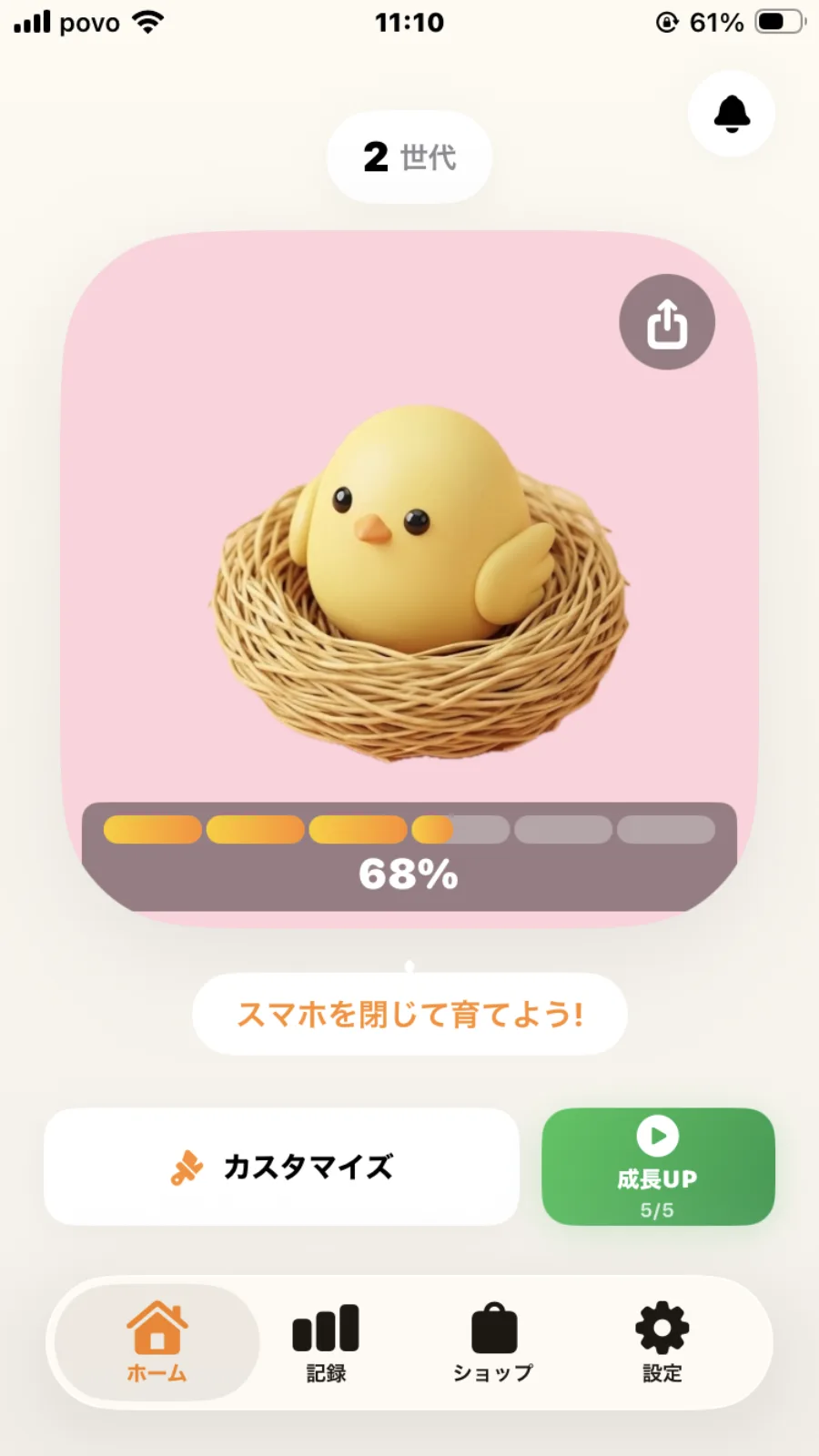
PiyoHug is a virtual pet app where time spent with your screen locked contributes to a chick's growth. Check your egg or chick before studying, lock the screen, and return to see its progress during your break.
Your companion grows through six stages, from egg to chicken. Moving to the next generation brings new companions to collect. The base collection of 24 breeds is free. The 35-breed expansion and the premium subscription are separate purchases.
PiyoHug does not forcibly block other apps. It is for people who enjoy having a small reason to put their phone down. Growth varies with the raising mode and device conditions; a ten-minute session does not guarantee a particular growth stage.
Choose tools that match your goal
To understand usage, look at your device's screen-time tools. To reduce interruptions, check focus or notification settings. To limit access to apps, check the device's usage limits. Names and availability vary by device.
PiyoHug adds something enjoyable to putting your phone away. You can use it alongside notification settings or a timer. If checking your chick becomes a distraction, try saving those visits for your breaks.
Notice what you finished
Picking up your phone once does not stop you from trying the next short session. Record something you did, such as finishing two questions or returning to your work after writing down a distraction. It can help you choose what to try next.
This is an example routine proposed by PiyoHug. Adjust the session length and where you keep your phone to suit your needs.
Start your next study break with a chick


Free to play. In-app purchases available.
Read the guide to raising, collections and pricing →